
kenoCMS · Module
Travel Map
A route made of stops on an OpenStreetMap map: for travel logs, sailing trips, hikes, or projects in different locations.
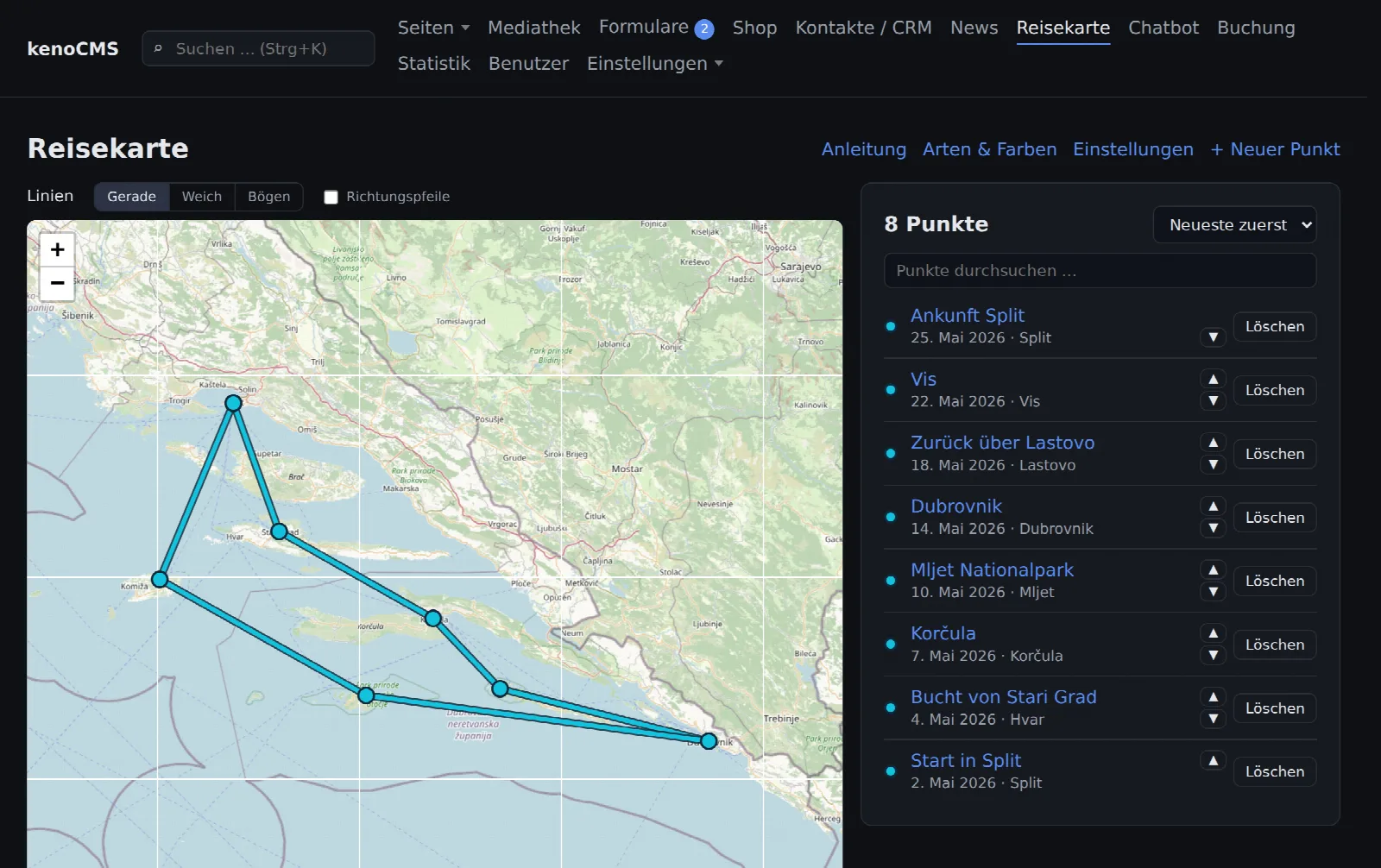
How the route is created
One click on the map, and the stop is done
You click on the map, enter a date, title, and a short text, and choose a photo. The line to the previous stop draws itself.
- Stops with month or exact day, location, photo, and link
- Types with custom colors, e.g. by boat, overland
- Curve lines, dashed excursions, return journey along the same path
- Years and legend below the map, directional arrows
- Directly link blog posts
On the website
Click and travel along
Visitors see the entire route and open each stop with a photo and text. Use "Previous" and "Next" to move through the stops one by one.
- Map from OpenStreetMap, without Google
- Loads only after a click, good for data protection
- Also across the international date line, e.g. in the South Seas
Were you on the road?
We put your trip on the map, even from existing reports.