
Instructions
Undo changes
Every saved version remains in the history. Here is how to restore a previous state.
Step 1
Open history
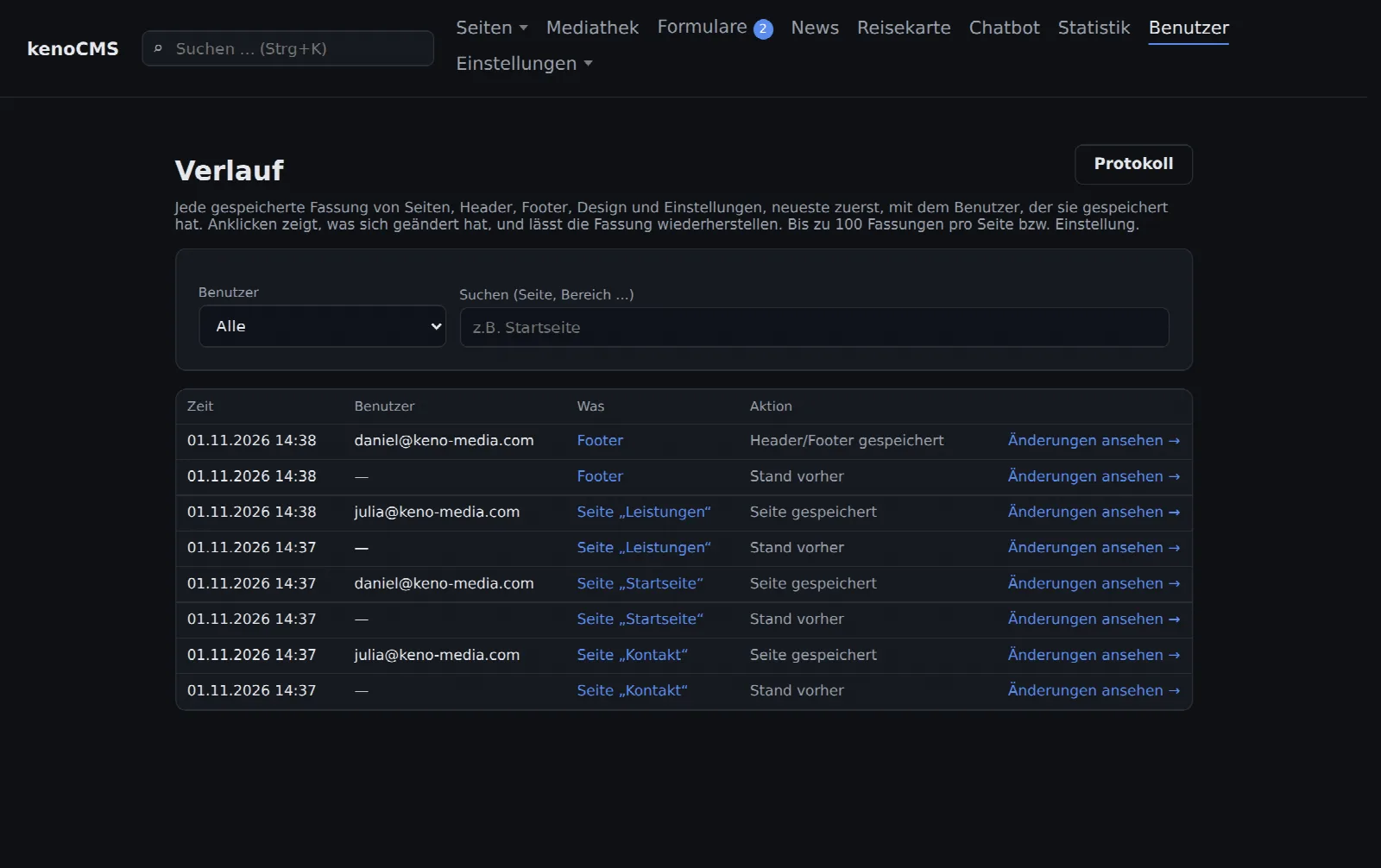
Go to Users → History. Every saved change to pages, headers, footers, design and settings is listed there, newest first, along with the time and user. For a specific page, it is faster to click on History at the bottom of the page editor.
Step 2
View changes
Click on View changes for a version. You will see every modified section with the text from before and after displayed side by side.
Step 3
Restore
If this is the version you want back, click on Restore this version. The state before it remains in the history, meaning the restoration can also be undone. Even deleted pages can be recovered this way.
Good to know
Who is allowed to do what?
- Only administrators can see the history
- Up to 100 versions per page or setting are retained
- The log under Users additionally shows logins and all other actions