Instructions
Write a post
A new blog or news post in just a few minutes.
Step 1
Create post
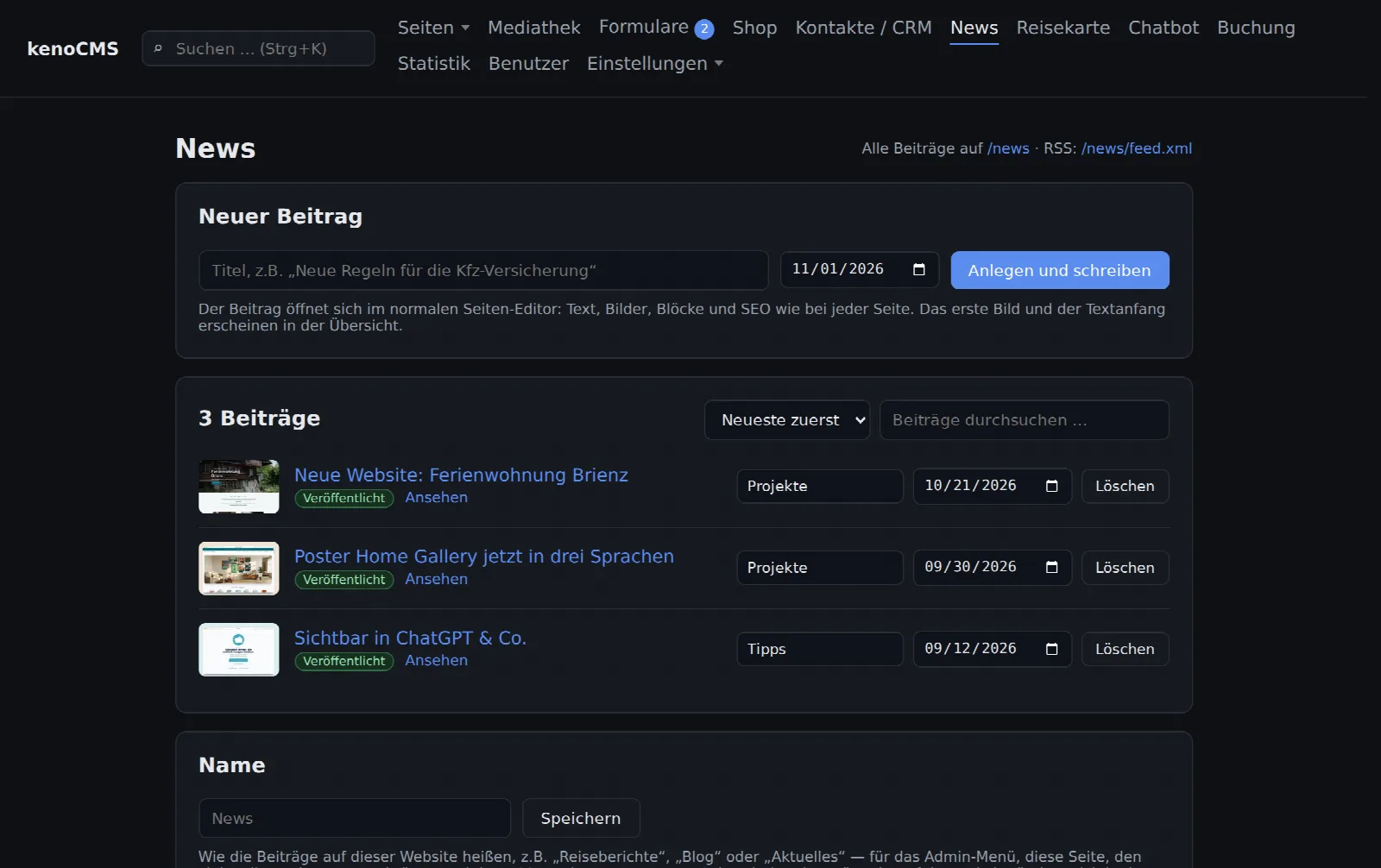
Open News in the menu (this area might be called "Blog" or "Latest" on your site). Enter the title and date under New post and click Create and write.
Step 2
Write
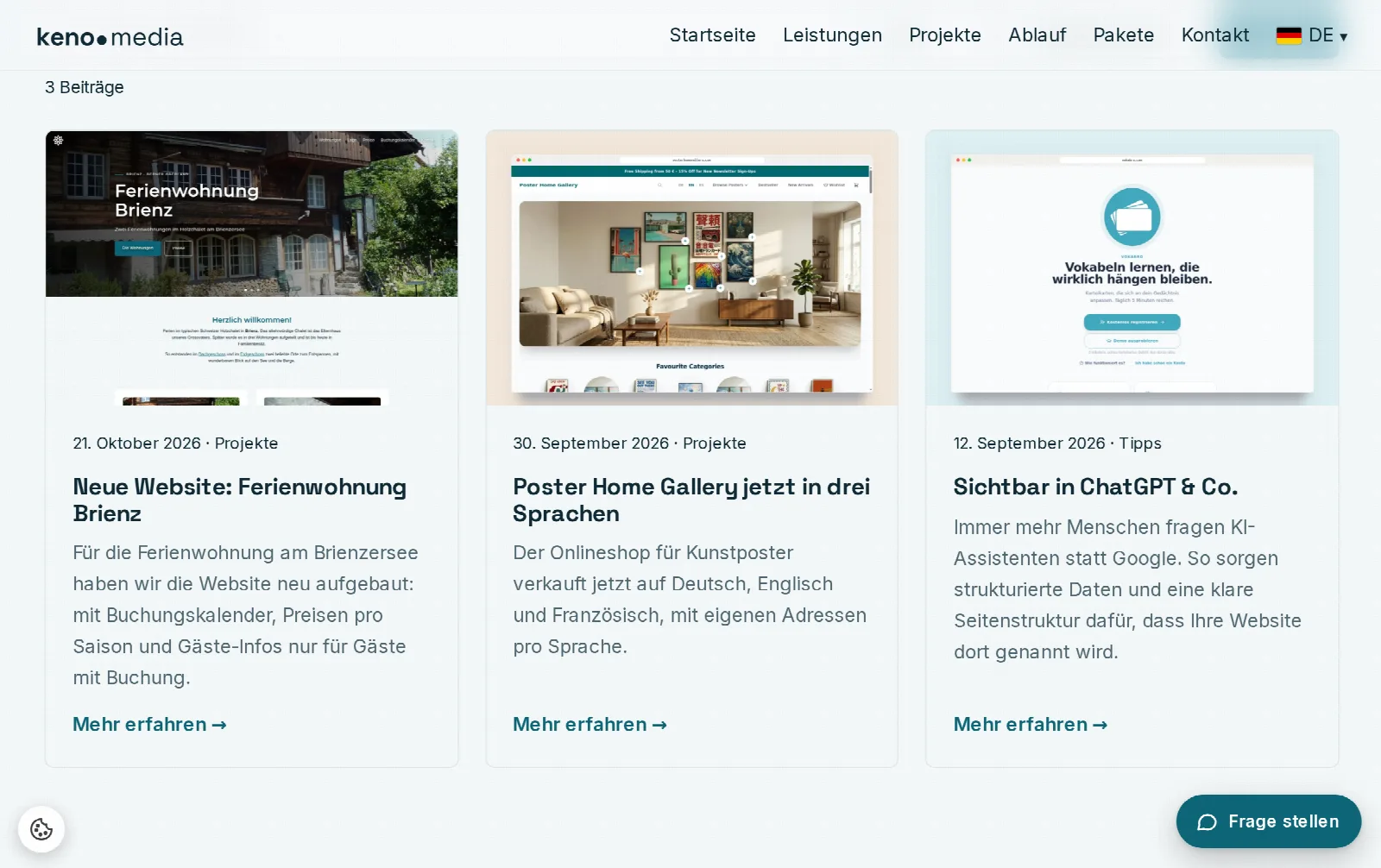
The post opens in the familiar editor. Write your text in the text block and add more blocks: images, galleries, videos, quotes. The first image in the post automatically becomes the preview image in the overview.
Under Page properties, enter a short description for Google. If it is missing, the overview will use the beginning of your text.
Step 3
Category and publish
In the list under News, you can change the date and category of each post, for example, "Projects" or "Tips". Visitors can filter by these.
A new post is initially a draft. Set it to Published in the page properties and save. It will then appear in the overview, on the home page (if the "News" block is located there), and in the RSS feed.