
Instructions
Set up chatbot
Turn on the AI chat, tailor it to your offering, and test it out.
Step 1
Open settings
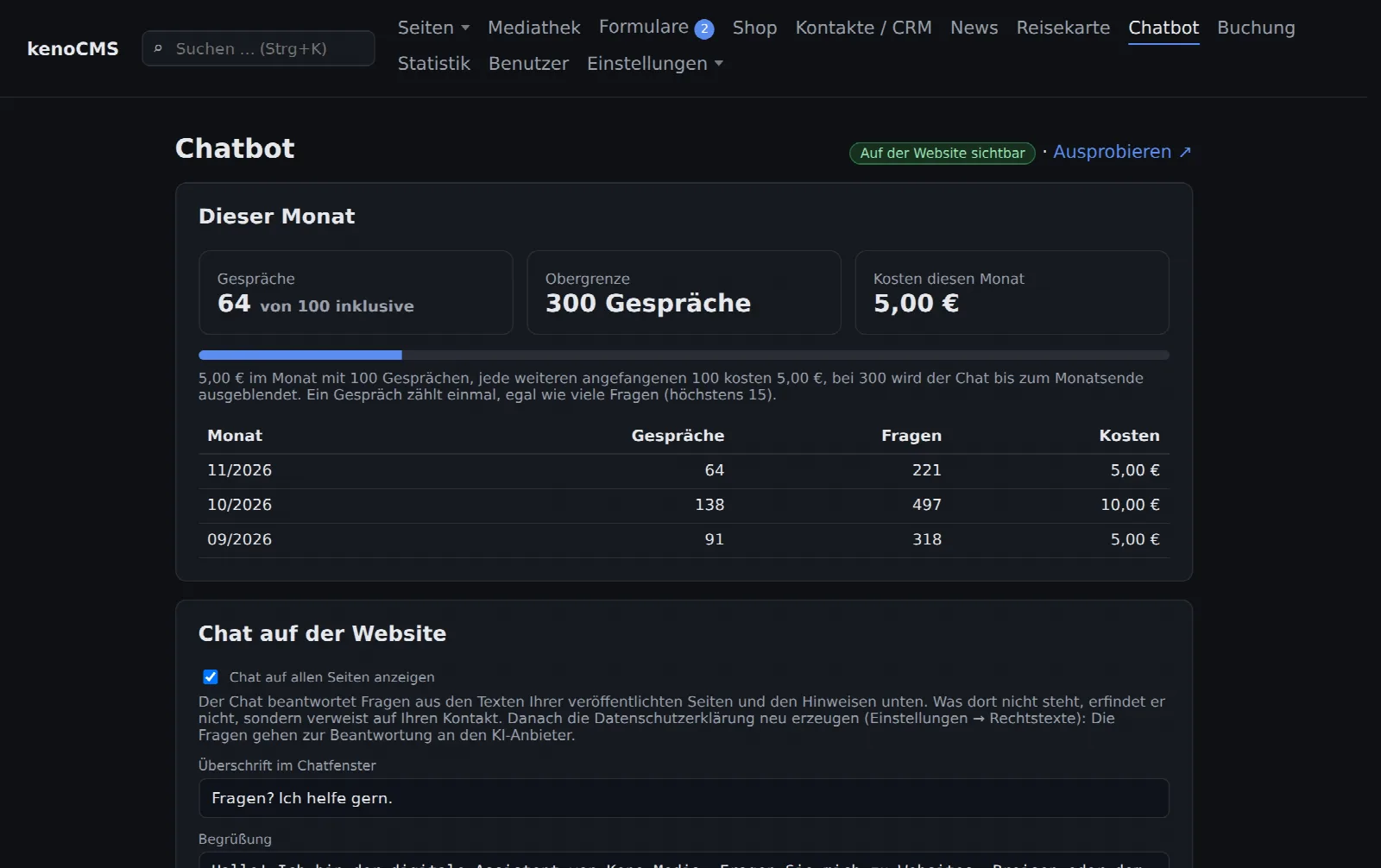
Once the module is booked for your website, you will find Chatbot at the top of the menu. At the top, you can see how many conversations took place this month and what they cost.
Step 2
Texts and position
Under Chat on the website, you can adjust the heading in the chat window, the greeting, the text on the button, and the position (bottom right or left).
Step 3
Add knowledge
The chat knows all published pages. Enter anything that is not listed there under What the chat should also know: opening hours, prices, directions, when it should advise calling. These instructions take precedence over the page texts.
Step 4
Test and turn on
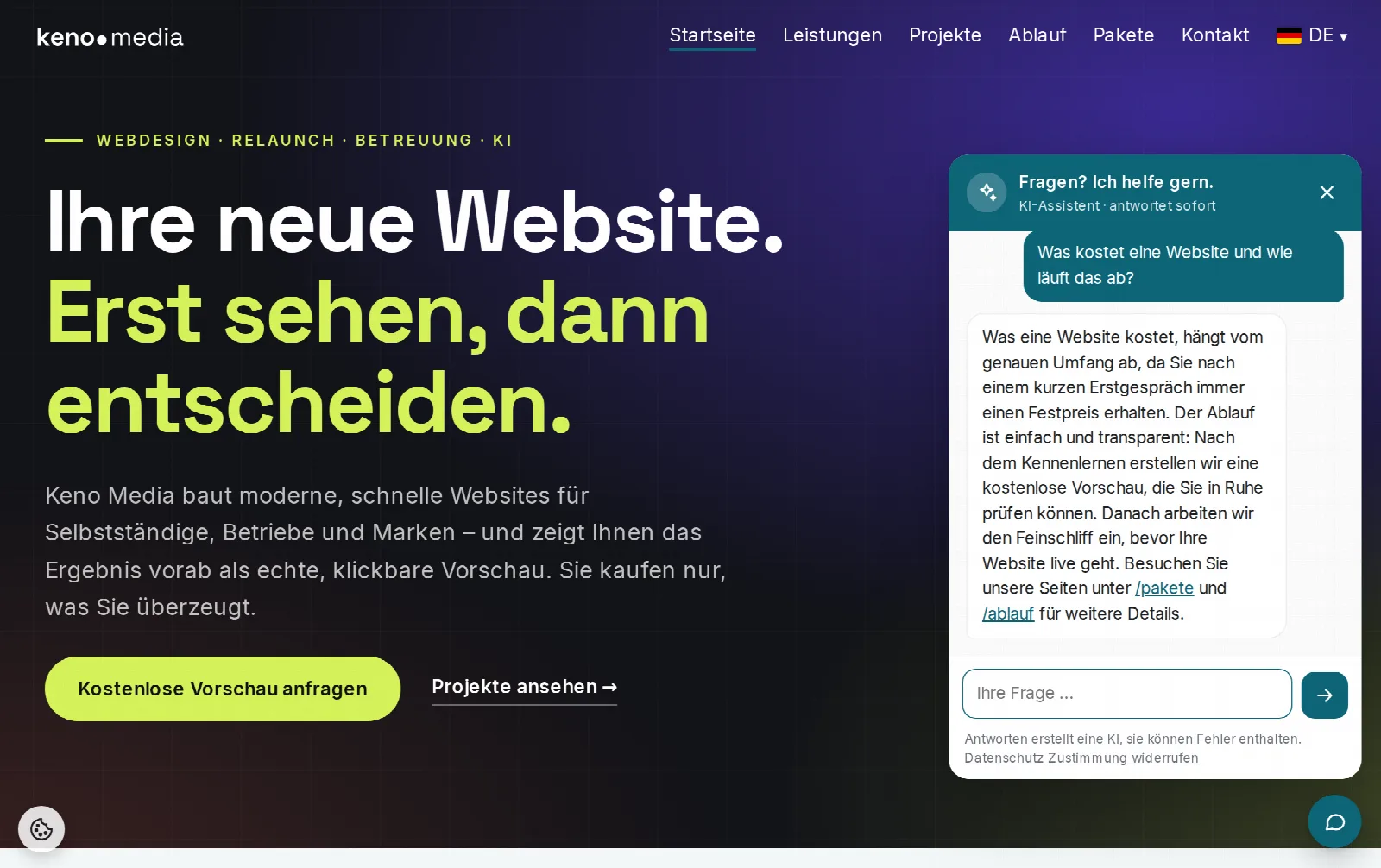
Use Test out in the top right to open your website with the chat, even while it is still turned off. These test conversations do not count. Once everything is right, check the box Show chat on all pages and save.
Step 5
Update privacy policy
The questions are sent to an AI provider for answering. Therefore, regenerate the privacy policy under Settings → Legal texts. It will then include the section "Chat Assistant (AI)". The cookie banner automatically asks for consent for the AI chat.